
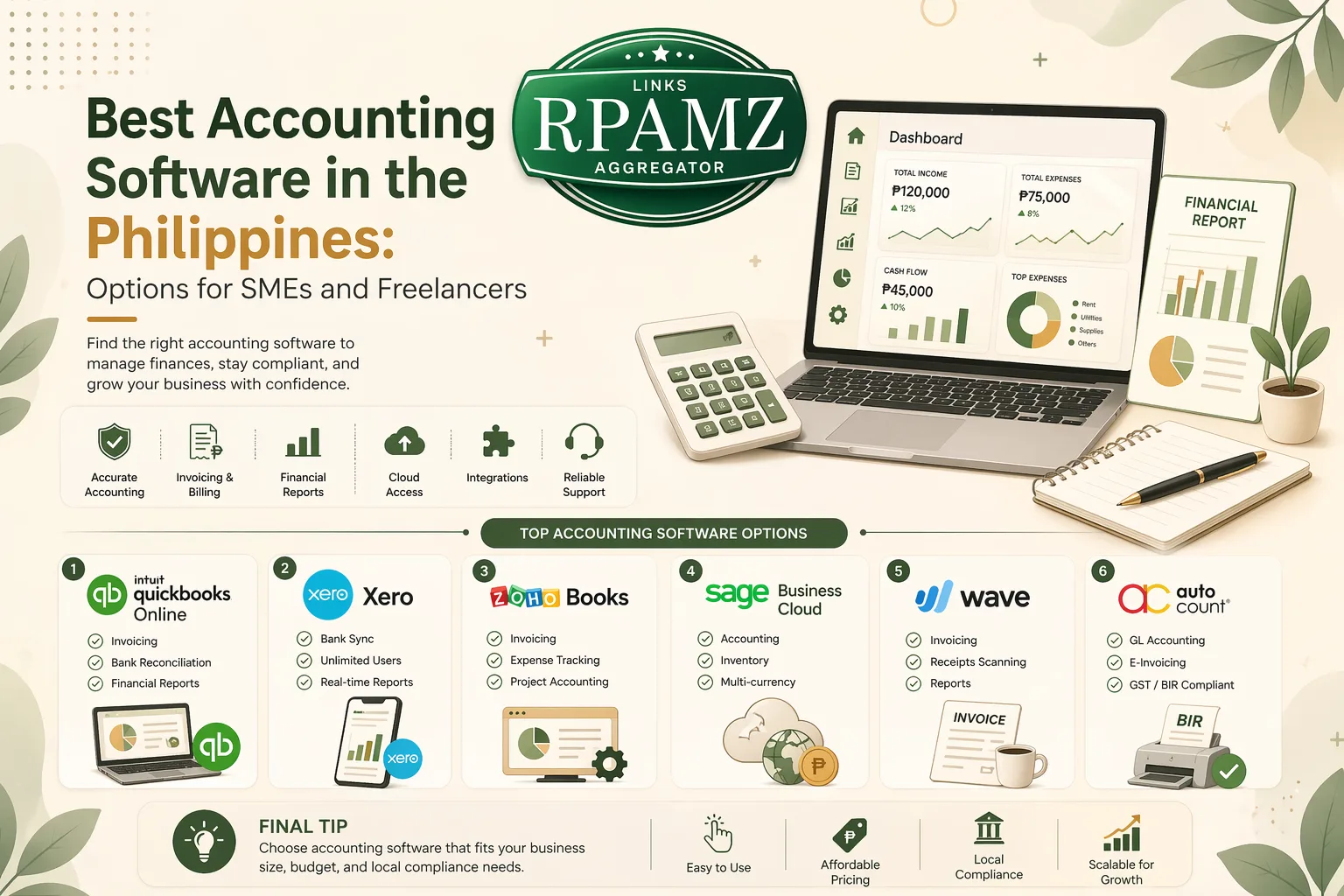
Best Accounting Software in the Philippines: Options for SMEs and Freelancers
Choosing the best accounting software in the Philippines depends on your business size, tax needs, budget, and how much automation you want. A freelancer with a small client base has very different needs from a growing SME that tracks inventory, payroll, VAT, and multiple users.
This guide compares practical accounting software options for Filipino businesses, with a focus on usability, pricing considerations, and fit for different business types.
What to look for in accounting software
Before comparing tools, check whether the software can handle the basics your business actually needs.
Core features to prioritize
- Invoicing and billing
- Expense tracking
- Bank reconciliation
- Sales and purchase records
- Tax support for Philippine business workflows
- Reports like profit and loss, balance sheet, and cash flow
- Multi-user access if you work with an accountant or staff
- Inventory and payroll if you run a product-based or staff-heavy business
- Cloud access so you can work anywhere
Important buying factors for Filipino users
- Ease of use for non-accountants
- Local relevance such as tax-ready reporting and Philippine business workflows
- Pricing in PHP or easy-to-understand subscription plans
- Support and onboarding
- Scalability if your business will grow in the next 12 to 24 months
Quick comparison of popular accounting software options
| Software | Best for | Strengths | Watch out for |
|---|---|---|---|
| QuickBooks Online | SMEs, service businesses, freelancers | Strong invoicing, reporting, integrations | Can become pricey as you add users or features |
| Xero | Growing businesses, accounting teams | Clean interface, good collaboration, many integrations | May need setup help for beginners |
| Wave | Freelancers and very small businesses | Simple, easy to start, good for basic bookkeeping | May be limited for more complex operations |
| Zoho Books | SMEs wanting automation | Feature-rich, automation, value for money | Learning curve for some users |
| FreshBooks | Freelancers and service professionals | Client billing, time tracking, easy invoicing | Less ideal for inventory-heavy businesses |
| QuickBooks Desktop / local desktop tools | Businesses wanting offline workflows | Familiar desktop style, local control | Less flexible than cloud tools |
Best accounting software in the Philippines by business type
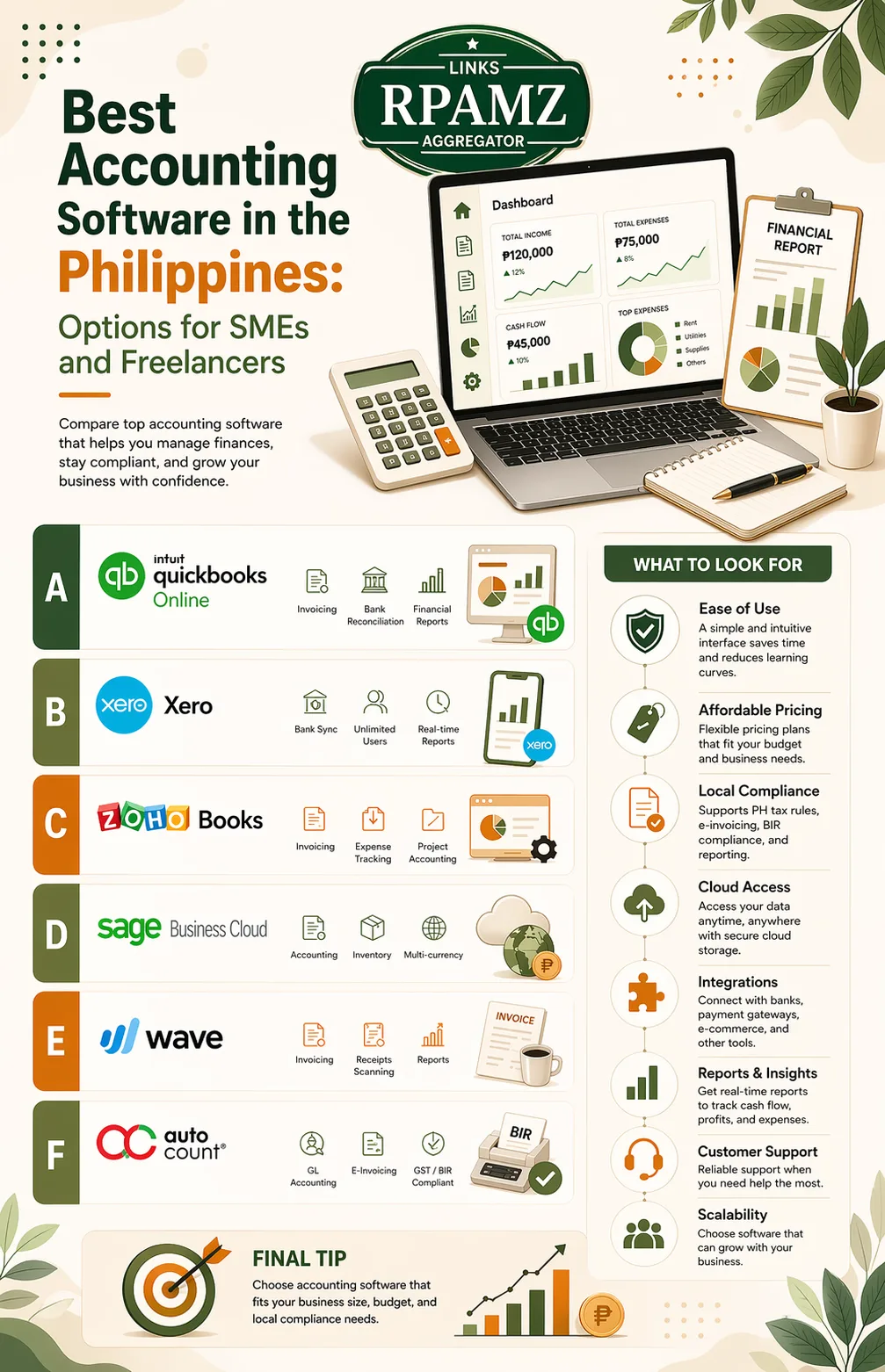
1. Best for freelancers: FreshBooks or Wave
If you are a freelancer, consultant, designer, writer, or VA, your priorities are usually:
- simple invoicing
- expense tracking
- time tracking
- payment reminders
- easy reports
FreshBooks is a strong choice if you bill clients regularly and want polished invoicing and time tracking. Wave is a simpler option for those who want a lightweight accounting setup.
Best fit if:
- you have a small number of clients
- you invoice monthly or per project
- you want something quick to learn
2. Best for SMEs: QuickBooks Online or Zoho Books
For small and medium-sized businesses, accounting software should do more than invoicing. You may need:
- expense and income tracking
- bank reconciliation
- sales tax handling
- team access
- better reporting
- workflow automation
QuickBooks Online is a reliable choice for SMEs that want broad adoption and strong reporting. Zoho Books is worth considering if you want automation features and a broader business software ecosystem.
Best fit if:
- you manage recurring transactions
- you need detailed financial reports
- you want a cloud-first setup
3. Best for growing teams: Xero
Xero is often a good fit for businesses that want a clean, modern interface and multi-user collaboration. It works well when an owner, bookkeeper, and accountant all need access.
Best fit if:
- you collaborate with an external accountant
- you want a scalable cloud system
- you value integrations with other business tools
4. Best for product-based businesses: QuickBooks Online or Zoho Books
If you sell physical products, look for inventory support, purchase tracking, and strong reporting.
Both QuickBooks Online and Zoho Books can work well depending on your workflow. If your inventory needs are simple, either may be enough. If your business is getting more complex, compare whether you need extra inventory tools or integrations.
Feature comparison: which one is easiest to start with?
| Need | Better fit |
|---|---|
| Simple invoicing | Wave, FreshBooks |
| Time tracking | FreshBooks |
| Strong reporting | QuickBooks Online, Xero |
| Automation | Zoho Books |
| Team collaboration | Xero, QuickBooks Online |
| Budget-friendly starting point | Wave, Zoho Books |
| Scalability | QuickBooks Online, Xero, Zoho Books |
Pricing: what Filipino buyers should expect
Pricing changes often, so it is better to compare the pricing model instead of focusing only on the monthly fee.
Common pricing patterns
- Free plans may be available, but with limited features
- Entry-level plans often work for solo users
- Mid-tier plans usually unlock invoicing, reports, and more users
- Higher-tier plans may include advanced reporting, inventory, or automation
Smart pricing questions to ask
- Does the plan include enough users?
- Are invoices, receipts, and reports limited?
- Does it support your tax and business workflow?
- Will you need add-ons later?
- Is there a free trial?
A cheaper tool can become expensive if it lacks features you need and forces you to buy multiple add-ons later.
How to choose the right accounting software
Use this simple decision guide:
- Freelancer or solo consultant: start with FreshBooks or Wave
- Small service business: consider QuickBooks Online or Zoho Books
- Growing team with multiple users: look at Xero or QuickBooks Online
- Product seller with inventory needs: compare QuickBooks Online and Zoho Books carefully
- Budget-conscious starter business: begin with a simpler plan and upgrade only when needed
Common mistakes to avoid
- Choosing based on price alone
- Ignoring reporting needs
- Picking software that is too complex for your current stage
- Forgetting to check multi-user access
- Not considering how your accountant will use the tool
- Overlooking integrations with ecommerce, payroll, or payment tools
Final recommendation
The best accounting software in the Philippines is the one that matches your current workflow and can still grow with your business.
- Choose Wave or FreshBooks if you are a freelancer or solo operator.
- Choose QuickBooks Online if you want a balanced, widely used option for SMEs.
- Choose Zoho Books if you want automation and strong value.
- Choose Xero if collaboration and scalability matter most.
If you want to compare more tools and find better alternatives for your business stack, explore RPAMZ for practical side-by-side software comparisons and recommendations.
FAQ
What is the best accounting software in the Philippines for small businesses?
QuickBooks Online, Zoho Books, and Xero are commonly strong choices for small businesses because they support invoicing, reporting, and cloud access. The best one depends on your budget and workflow.
Is there free accounting software for freelancers?
Yes. Wave is a popular starting point for freelancers who need basic invoicing and bookkeeping features. Free tools can work well for simple needs, but check whether they still fit your workflow as you grow.
Which accounting software is easiest to use?
For many solo users, Wave and FreshBooks are easier to learn. For teams, Xero and QuickBooks Online are often manageable once set up properly.
Do I need accounting software if I only have a few clients?
Yes, if you want cleaner records, faster invoicing, and easier tax-time preparation. Even a small business benefits from organized bookkeeping.
Can accounting software help with Philippine business taxes?
Many accounting tools can support tax-related workflows through reports and recordkeeping, but you should still confirm whether the software matches your specific compliance needs and your accountant’s process.